The phone rings while you're loading. The truck goes out on a guess. The books wait for Sunday.
Pilebase runs the counter, the trucks and the paperwork for a supply yard. It writes the ticket while the customer is still talking, tells the dispatcher which truck and why, prices each delivery by the road the driver takes, and will not sell the same pile twice. It runs your yard whether or not you are ever listed on our marketplace. What it does, one job at a time.
It runs in a web browser: the computer at the counter, a tablet on the yard floor, the driver's phone.
Truck 6
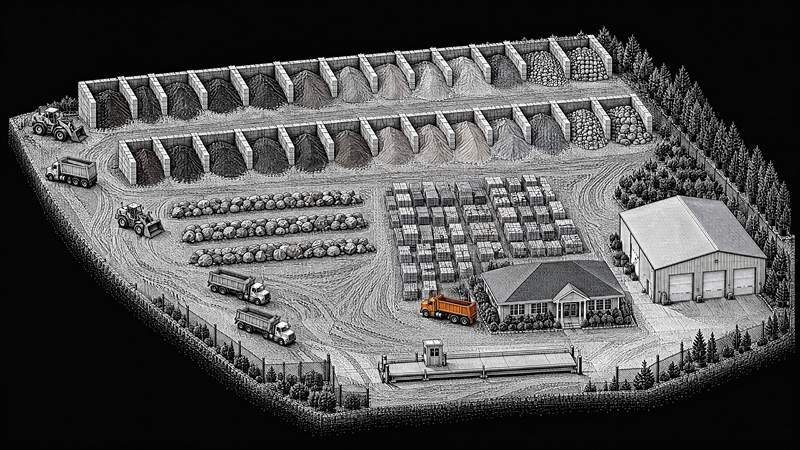
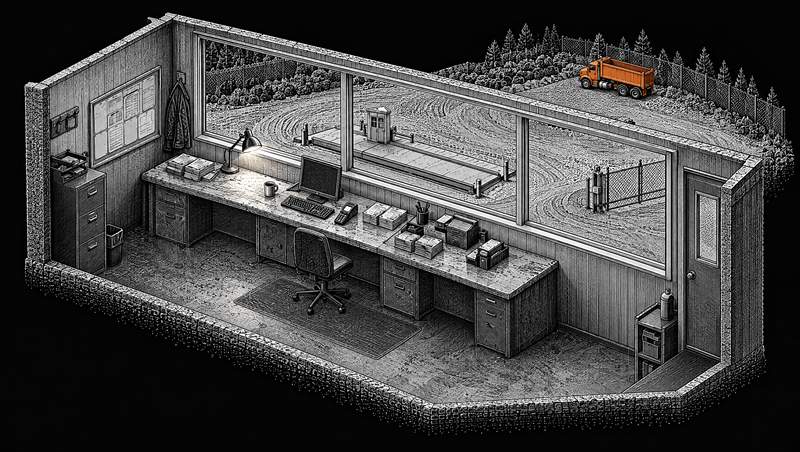
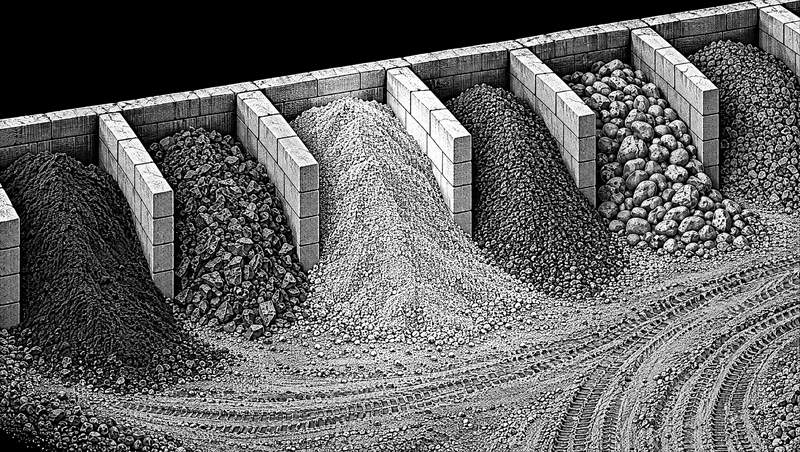
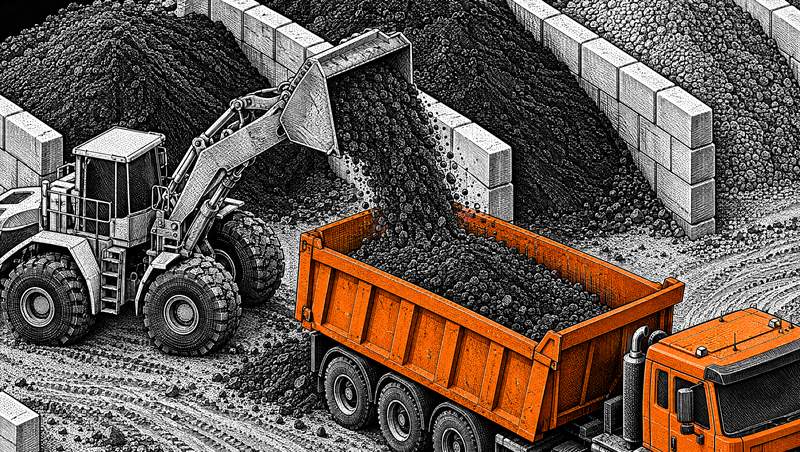
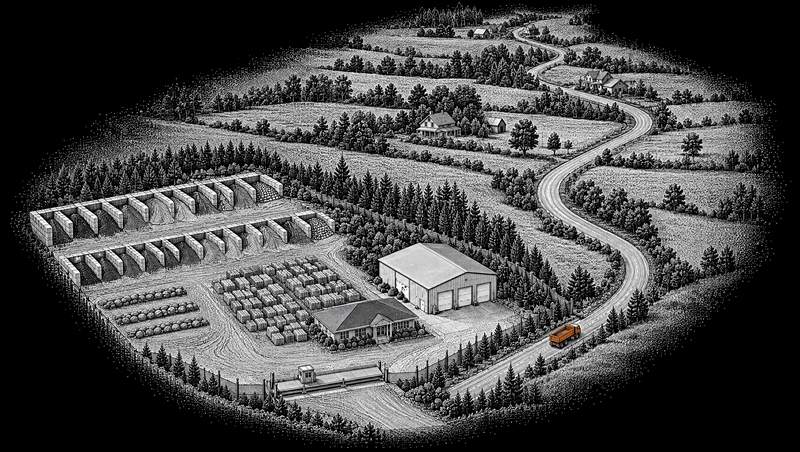
Generated illustration of one yard, not a photograph. Everything below happens in it.
6:40 am · The counter
A · Taking the order
Pilebase takes the order at the counter and in your own online store.
The counter screen writes the ticket while the customer is still talking: pick the material, type the tons, and a returning customer comes up from last time with their contractor price already on. Out-of-stock products grey out, and the total is worked out by the same code that charges the card.
Your own online store, in the unit you sell each thing in, with the delivery price shown before anyone pays. It installs on a customer’s phone like an app, reorders in two taps, and browses at a job site with no signal.
Delivery priced from your own rate sheet by real road miles: diesel, driver hours, truck wear and the weight on the truck, with the minimum order and minimum fee you set.
Delivery windows that close once they hold the number of deliveries you set for them.
Trade accounts: contractor pricing, payment terms and credit limits, contractor quotes good for seven days, and invites that bring your contractors in.
COUNTERNEW TICKET
#4471 · 14 t screened topsoilreturning contractor · trade price on
Delivery · Tue 7–9 am windowpriced by road from your rate sheet
Pilebase reads the orders that come in by text and email, and drafts them for your counter.
A customer’s text to your yard’s number is read by its AI and drafted as an order: the material, the tons, the address and the window.
It reads the orders that arrive by email, and the purchase orders your contractors send.
It sorts your email into orders, quotes and questions, and drafts each reply for a person to read and send.
Every order it reads lands as a draft that your counter confirms in one tap, edits, or turns down.
Not built yet. Answering your phone and taking the order from the caller, and chat on your website that takes an order. Both are planned; neither is in the product today.
FRONT DESK3 DRAFTS
Text · 12 t screened topsoil, Tuesdaydrafted · waiting for your tap
Email · 3 yd cedar mulch, pickupdrafted
Email PO · contractor accountread and drafted
Drawn by Pilebase from the app’s own front desk queue. Not a photograph, and not a live yard’s dataThe front desk, in full
Generated illustration, not a photograph.
6:50 am · The piles
C · Stock and the morning plan
Pilebase knows what is in every pile, and what to order before it runs out.
On hand against reserved: an order reserves its tons the moment it is written and loading takes them off, so a pile is never sold twice. You track by pile or by pallet, product by product. Part of Complete.
Low-stock warnings, a full movement audit trail, and a stocktake from a photo of your count sheet.
Your catalogue from a photo of your price sheet, or from a spreadsheet, in an afternoon. The data model starts at the pile, so what you sell by the ton stays by the ton.
AI demand forecasting by material, season, weather and local events, with the reason written beside every number.
AI restock suggestions that allow for each supplier’s lead time. The purchase order goes out when a person approves it, at every amount.
Pilebase lines the loads up by pile, with the customer waiting in the lot first.
One loader queue for walk-ins and deliveries, grouped by pile and badged, with the customers already in the lot at the top: start loading, loaded, picked up. Part of Complete.
Ready-time estimates that hold like a quote, and a message to the customer when their load is ready.
LOADER QUEUEBY PILE
Screened topsoil · 14 tdelivery · Truck 6
Screened topsoilin the lot · pickup with trailer
Drawn by Pilebase from the app’s own loader queue. Not a photograph, and not a live yard’s dataThe yard floor, in full
Generated illustration, not a photograph.
7:20 am · The scale
D · Loading and weighing
Pilebase reads the weight off your scale, and the weight settles the bill.
Weights read straight from your truck scale, or typed from the ticket.
A light load costs the customer less, automatically. A heavy one is charged only within the tolerance you set; past it, the order waits for a person. Part of Complete.
Pilebase suggests the truck and the driver, and a person approves every one.
Dispatch suggestions: it ranks your trucks and drivers by what the truck holds, the licence class, what is due in the shop and real drive times, and writes the reason out. A person picks. Part of Complete.
A dispatch map of the road route each truck will drive.
Your fleet and your drivers, with every licence’s expiry date and every truck’s service due.
DISPATCH3 WAITING
#4471 · 14 t screened topsoil
Truck 616 ton tandem · holds the load · licence held
Pilebase rides with the truck, and tells the customer when it will arrive.
The driver’s phone page: the stops in order, navigate, call, mark delivered, and the paperwork does itself. Crew messages reach the drivers where they are.
An order too big for one truck is priced by the number of trips it takes, and a cart split into a delivery and a pickup is tracked as linked tickets.
A tracking link for the customer with a live arrival time and, on a weighed load, the tons that went out against the tons ordered.
Pilebase closes the day from the orders themselves.
The day-end report worked out once, from the tickets, with the drive and load minutes you quoted for each delivery against how long the run really took.
Every order written into your books as separate lines for materials, delivery, fees and tax, once, in QuickBooks Online; several yards go to one company file or one each.
Cards on your own Stripe account, at the counter reader and online: we are not in the flow of your money. Cards on file, sales receipts or invoices, and a declined card never holds up the loader.
Pilebase answers from your own records, and drafts the work for a person to approve.
The yard assistant answers questions about your yard from your own records, with the sources, and drafts six kinds of action: an order, a purchase order, a reschedule, a truck and driver assignment, a stock count and an arrival text. A person taps Confirm on every one; it cannot change anything itself.
The yard agent answers anything about your own records, and yard search understands plain language.
Every drafted action waits for a person: confirm it, change it or skip it, from the yard computer or your phone.
Not built yet. An AI paperwork clerk that checks supplier invoices against what was ordered, and drafts that learn from the changes you make to them. Both are planned, not in the product today.
“What material is this?” A customer photographs it and gets the matches from your catalogue.
Buyer AI: a homeowner describes the project and it becomes an order at your yard.
Measured accuracy: the demand forecast is scored against what actually sold, and the score is on the forecast page.
AI reads your delivery rate sheet from a photo, and your past runs suggest rates for you to accept or change. Your rules set the price, and your tolerance settles every weight.
Not built yet. A useful forecast on a new yard’s first day, from yards like it, and a published score for every AI job. Both are planned, not in the product today.
Diagram drawn by Pilebase: one ticket, four places it has to reach
What is this costing you now?
Type your own numbers. Every figure below comes from you, and the sum is written out so you can check it. Leave a line empty and it stays out of the total.
Not ready to switch? Two more ways in.
Running your yard on Pilebase is the best of the three, and it is what this page has been
describing. If you would rather start smaller, claiming your listing is good and
connecting the software you already run is better. Both keep your counter, your tickets
and your books exactly where they are.
Good: claim your listing
Puts your prices in front of buyers comparing yards
Confirms routine orders by rules you set once, so they never reach your thumb
Sends the rest to your inbox with one tap to confirm
Keeps a "confirmed as of" date on every price it shows
The buyer pays you at your counter, your usual way
An order can reach you three ways, and you pick: an email,
which needs nothing from your side; a documented
API and signed webhooks your own developer can point at
whatever you run, either pushed to a URL you nominate or pulled by you on your own
credential; or the counter view in your own Pilebase,
with a printable ticket and a CSV export.
The connector documentation is public, and
the FAQ answers the questions yards ask about it.
Accepting one is a separate question with a shorter answer. Every order is tested once
against the rules you set the moment it is placed: the
ones that fit confirm themselves and never interrupt anybody, and everything else comes
to you with one tap in the email, in your portal, or on
the phone. No order is ever both. The API is how an order reaches your system, not a
fourth way to accept it. It can read your orders and be told what happened to them, and
it cannot confirm, decline or cancel anything.
Built, not switched on
An order that arrives without anybody answering the phone.
Not switched on yet, and it is the piece of this we are most impatient to turn on. A contractor with gloves on at six in the morning is not filling in a form; he is ringing somebody, and somebody is stopping what they are doing to write it down. When this is switched on he says it once instead, and what reaches you is the same order card, filled in, waiting for a tap.
Ordering out loud
Not switched on yet. It asks the questions a form cannot — how deep, pickup or delivered, which door — and keeps asking until the order is one you could actually load. Nothing is placed by the machine at any point: a person confirms, the same as on every other path into your yard.
It knows which yard
Not switched on yet. A buyer names the yard they deal with and it finds that yard in the listings, reads that yard's own catalogue and quotes the delivery to the address it was given. Where two names sound alike it asks which, rather than guessing at somebody else's counter.
Time, which is the point
Not switched on yet, and the reason to want it is arithmetic rather than novelty. Every order that arrives this way is a call your counter did not stop for, in the six weeks of the year when the counter is three deep and the phone is ringing anyway. That is the saving, and it lands on your side of the desk.
Three claims, and under each one the document that states it. Those documents are published for you to read and are what a yard will be asked to sign. They are not in force yet, and nothing here asks you to accept them.
Free
Both levels, nothing to licence
Nothing to licence, nothing monthly, nothing per user, nothing for support, and no charge that appears later once you depend on it. Storefront and Complete both cost nothing to run. The two are not the same product: Complete adds the operations half — the loader queue, the dispatch board, the driver app, inventory, the books and the reports — and a marketplace order on it is 2.5% rather than 2%.
The only fee on an order the marketplace brings you: 2%, or 2.5% if you run Complete, taken at Pilebase checkout and shown on the order. Marketplace checkout is not switched on today, so no fee has yet changed hands; the rate is what it will be when it is. Nothing about running the software is billed, whether or not you ever take a marketplace order.
If we needed to charge for this, or to stop offering it, you get at least 90 days and a working export, not an email on the day. The export is one click in your own settings, whenever you want it, without asking us.
What it does not come with is an uptime promise. There is no service level agreement and no credits for downtime, and we are not going to pretend otherwise: run your yard on the assumption this could be unavailable for a day, keep the phone number, keep the paper backup for the delivery run. That is the same advice we would give about software you paid for. It is in the terms, in those words.
Storefront, or Complete.
Storefront is your counter and your own ordering page. Complete adds the operations half this page has been describing: the loader queue, the dispatch board, the driver's phone, stock that cannot be sold twice, the day-end report and the books. Either one runs your yard whether or not you are ever listed on the marketplace. The software is free. The only fee on an order the marketplace brings you is 2%, or 2.5% if you run Complete, taken at checkout and shown on the order.
A person reads what you send and sets the yard up: us, by hand, on purpose, so anything that needs asking gets asked before it is built rather than after. Tell us what you sell and whether you deliver. If it is not a fit we will say so.
Set your yard up yourself.
Your yard, your catalogue, your delivery rules. You can do the whole thing without waiting on us, and stop after any step. Or send the form below and a person will do it with you.
The software is free, all of it, and we earn 2% of the order, or 2.5% if you run Complete, flat, with no minimum and no cap, only when the marketplace brings you one, shown on every order. Today buyers pay at your counter and no fee changes hands.